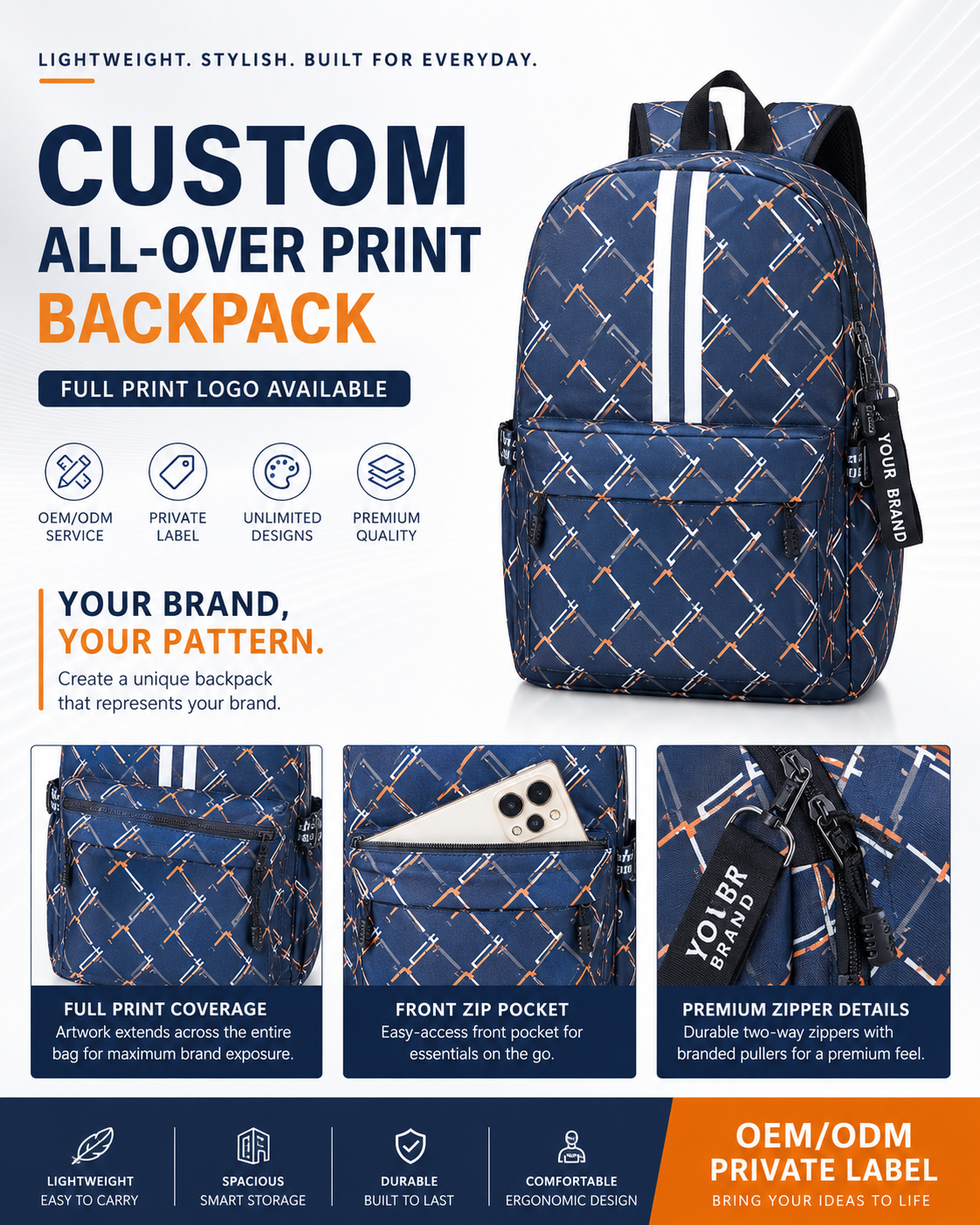
Start with the backpack pattern, not only the flat artwork
All-over print backpack artwork must wrap around panels, pockets, zippers and seams. A design that looks good as a flat rectangle may need adjustment once it is mapped onto the front panel, side panels and pocket pieces.
Prepare high-resolution files and repeat logic
Vector files, layered artwork or high-resolution raster files make production review easier. For monogram and repeat patterns, confirm the repeat scale, direction and whether key graphics should stay away from seams.
Confirm color before bulk printing
Pantone references, digital mockups and sample fabric checks help reduce color mismatch. Sublimation and full-print production can show colors differently depending on fabric surface, coating and lighting.
Plan logo and label details together
All-over print artwork can carry the main visual identity, but woven labels, rubber patches, zipper pullers and packaging still matter. Confirm these details before sample approval so the product feels finished as a retail item.
MOQ and sampling for artwork-heavy backpacks
MOQ tiers from 50 pcs (50/100/300/500/1,000/3,000+) help buyers plan test orders and larger runs. Sampling normally confirms print scale, color, construction and packaging before bulk production.
FAQ: Can I use photographic artwork on a backpack?
Yes, if the file resolution is high enough and the fabric is suitable for the printing method. The artwork should be reviewed on a backpack mockup before sampling.
FAQ: Do seams interrupt an all-over print?
Yes, seams, zippers and pocket edges can interrupt artwork. Important logos or faces should not be placed directly across seam lines unless the effect is intentional.
FAQ: Should I approve a physical sample?
Yes. A physical sample is the safest way to confirm print color, scale, fabric hand feel, stitching and logo placement before bulk production.